Apache Gunsmoke Dan
Members
-
Joined
-
Last visited
-
It sounds like the performance drop off outweighs the convenience of sharing the WST, so in that case, I'll try using a lighter powder like ones you suggested (whatever is available at scheels lol). The only reason I didn't feel like getting plastic wads was because I have a literal tote full of fiber wads, nitro cards, and overshot cards. I'm not in a rush to add another big bag of shells or components, just wanted to keep using what I have. But if it proves to be more of a hassle than not, I guess I can find one less thing in my life to go against the grain on haha. Thanks for the help Garrison Joe!
-
They don't have load data for using nitro cards, fiber wads, or paper hulls
-
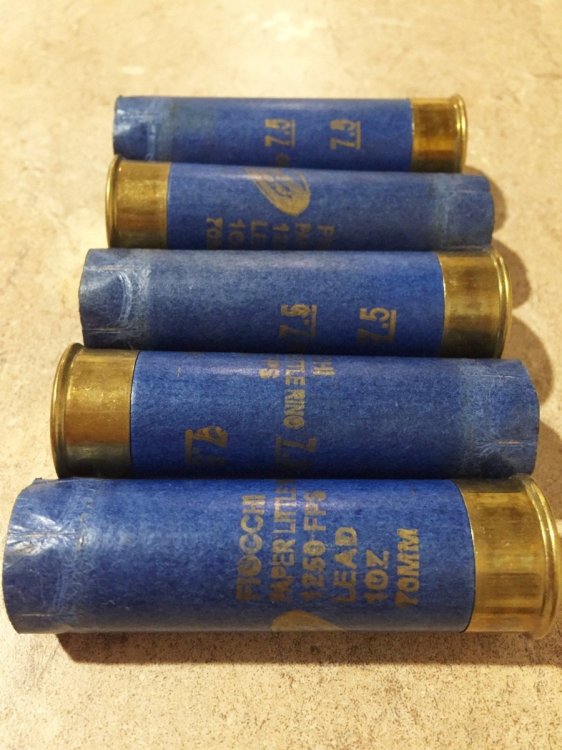
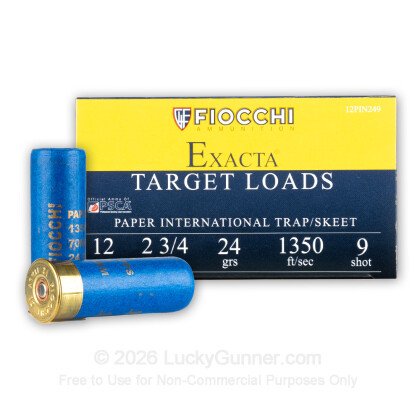
I'm getting into wild bunch, and as a Frontier Cartridge Duelist, I need to start rethinking my 12Ga loading. All I shoot is paper hulls and my current BP stack uses two .5" fiber wads and they get roll crimped at 2.5" If I want to start using a common powder like WST for both 1911 and 12ga, where could I find some proper starting loads if I'm not going to be using any plastic wads or star crimps?
-
Any other heavy wear items we should look to replace? And also what "non essential parts" get removed? Is it kind of like disabling the auto safety on a SxS?